Forma Seven
Radon · CO₂ · PM2.5 · VOC · temperature · humidity · pressure
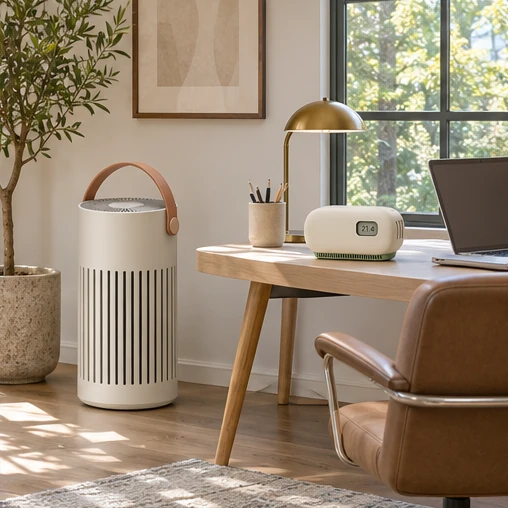
Monitor and purifier kit
Keep a room monitor near the desk and a purifier across the room for a complete studio setup. Each instrument has a place in the kit. Use the placement guide below to decide where to start.
Inside the kit
Kit configuration
Radon · CO₂ · PM2.5 · VOC · temperature · humidity · pressure
Particles · fan speed · filter timer
Studio routine
Use the particle reading as one part of your room record.
Set the purifier where its intake remains clear.
Compare the room before and after changing its routine.
Fine particles
Forma records the particle channel alongside its other measurements. Note a change in activity and review the same period in the app.
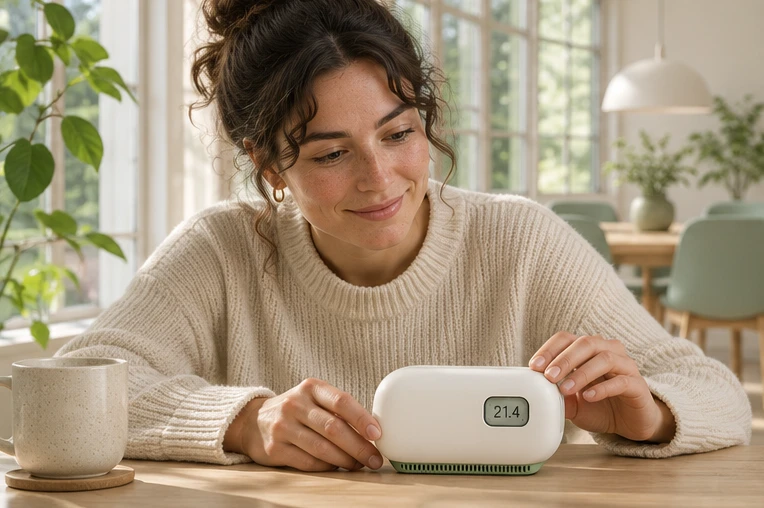
Air circulation
Give the purifier space at its intake and choose a fan setting that fits the moment.
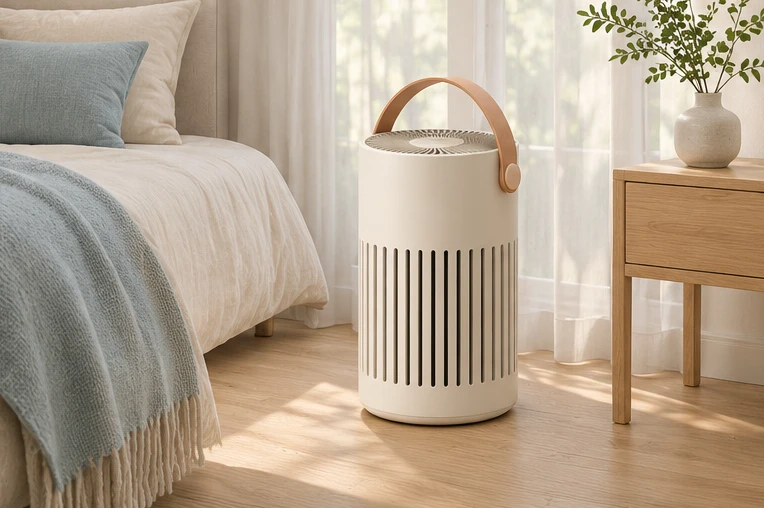
Fan control
Keep a gentle air flow while the room is at rest.
Placement
Set Forma on a shelf and leave space around the purifier’s intake. Follow the same room while trying different fan settings.
Placement guide
Start with the space where the reading will mean the most to you.
Use a distinct label for each monitor so you can tell their records apart.
Return to the same day or week and review how the two spaces were used.
Companion app
Try the time ranges on this example room record.
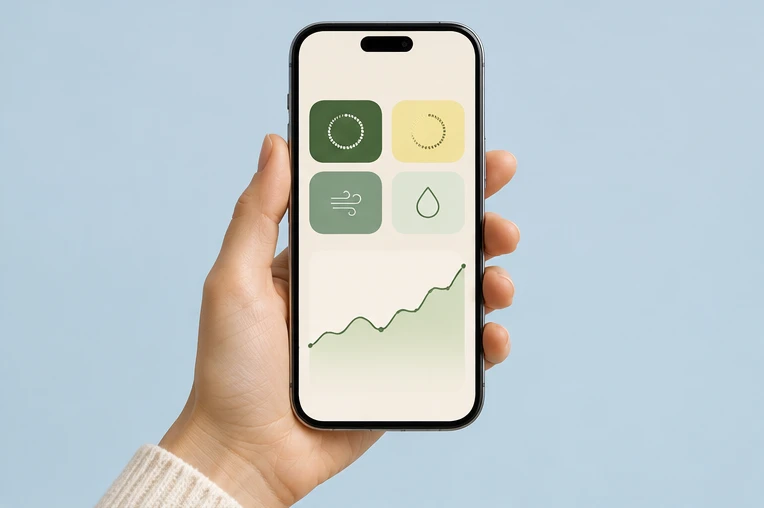
A closed bedroom and a shared living space may follow different daily routines. Separate instruments preserve the history of each position so the same period can be reviewed without moving a single device back and forth.
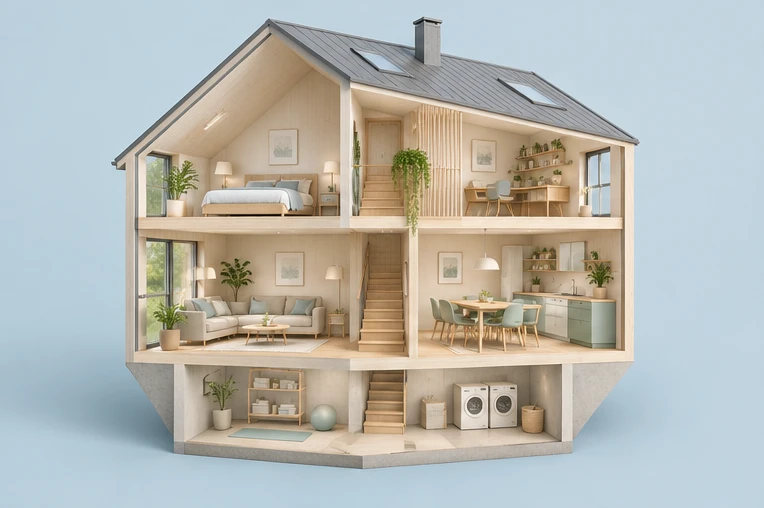
Decide which questions the first and second instruments answer before placing either one.
Use room names that another person can identify when reviewing the history.
Choose matching dates and include any differences in occupancy or room routine.
A complete deployment brief includes locations, setup notes and the person responsible for the review. Keep that information with the selected models so a colleague or customer can follow the configuration later.
Product support
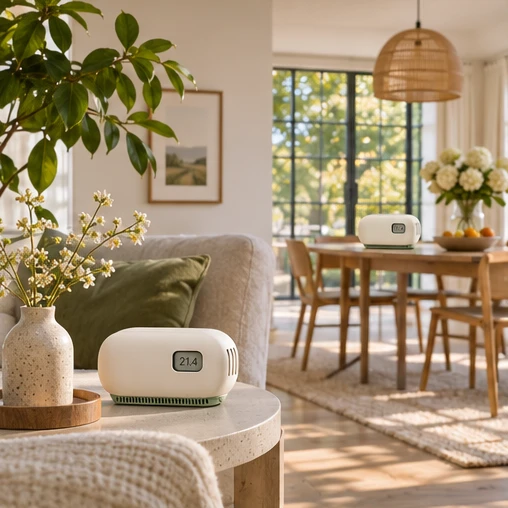
Forma Seven + Loft Filter. Each instrument is assigned to its own position in the room plan.
A stable instrument preserves the history of its own location. Compare matching channels over the same period without moving a single device between rooms.
Use a distinct name that another person can identify, such as Living room or Lower-level study. Keep the device identifier with that label.
The spaces may have different activity, ventilation routines and room conditions. Keep that context with the same comparison dates.
Set Forma on a shelf and leave space around the purifier’s intake. Follow the same room while trying different fan settings.
Keep the model, device identity, room name, position and setup date. Record any interruption or move during the review period.
Add the required models and estimated quantities to the same inquiry. Describe the number and type of spaces in the project requirements.
Select Request a quote, review the models and quantities, add the project details and submit. A demonstration confirmation appears on the page.
Illustrative portfolio specification. Confirm the production configuration and performance requirements with the supplier.
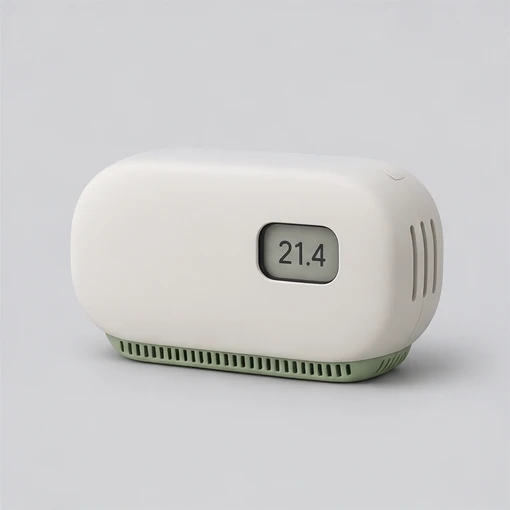
Seven sensing channels bring the room into focus, from carbon dioxide to airborne particles.
View details →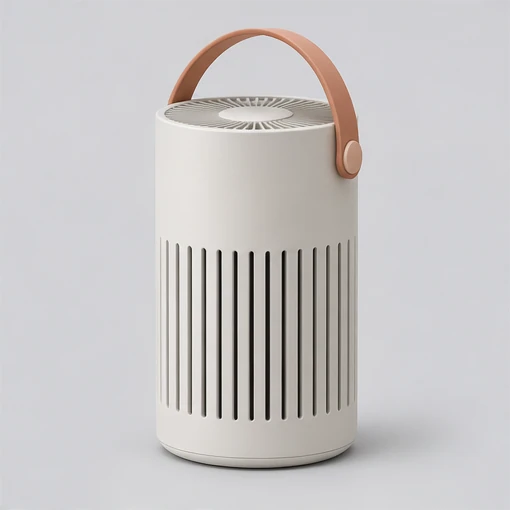
A freestanding particle filter with three fan speeds and an easy-access filter compartment.
View details →