See the room
Give each instrument a recognisable room name and find the conditions recorded at that location.
The companion app
Go from an at-a-glance reading to the daily and weekly patterns that give a room its context.
Discuss your project Explore the details ↓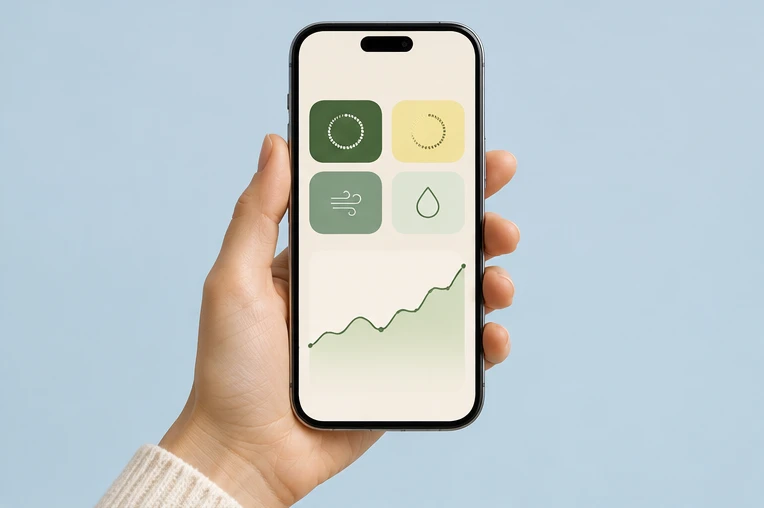
Give each instrument a recognisable room name and find the conditions recorded at that location.
Change the period to compare a particular moment with the broader routine.
Record relevant activity, a change of position or a different ventilation routine.
Return to the same period after a change and review the room record again.
Interactive example
Try the period controls and room selector on the sample timeline. Each view illustrates a different way to review the same type of room record.
A current room reading answers a simple question about this moment. Keep its timestamp and the selected unit visible so it is clear what the number describes. Compare supporting channels to understand the space more fully.
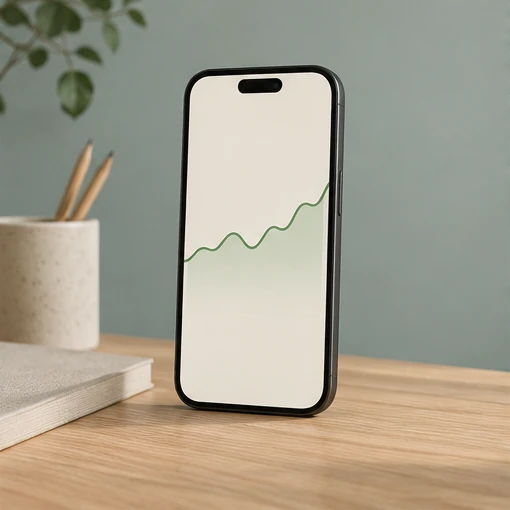
The quieter part of the day can look different from the occupied period. Use a shorter view to inspect an event and a longer one to see whether the same pattern returns. When comparing rooms, use the same dates and time zone.
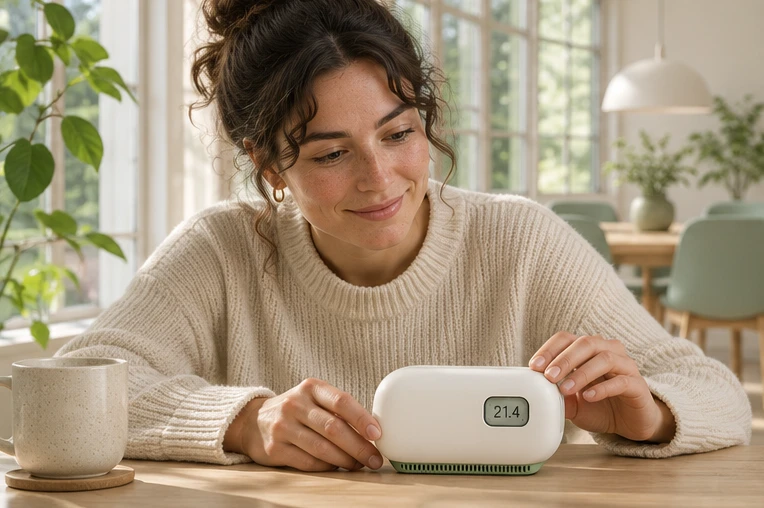
Note changes in weather, open-window routines and seasonal room use when reviewing the indoor timeline.
Keep the chosen Loft Filter setting and its operating period alongside the particle record.
Use the model descriptions and measurement notes to understand what each channel represents.
A useful notification workflow identifies the room, the time and the condition that prompted a review. The next step is to check the record and its context, then decide what needs attention.
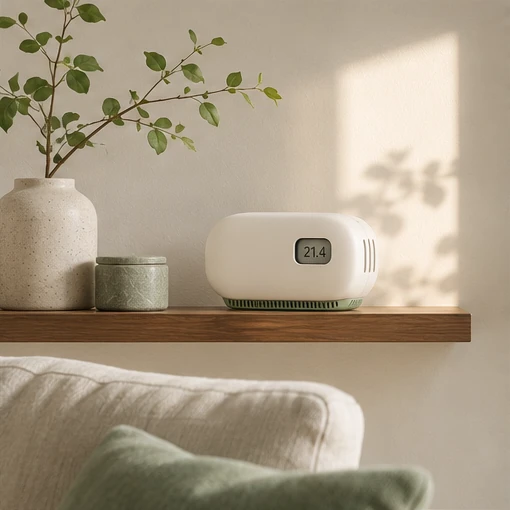
The sample room selector and timeline work directly on this website. They demonstrate the information and interaction for this portfolio.
Give each instrument a distinct room name and compare the same period and measurement channel.
The inquiry form completes a demonstration submission on the page. The portfolio has no customer login.
Business inquiries
Choose your models and quantities, then tell us about the spaces, destination and timing.