Teaching spaces
Compare room conditions during lessons and breaks.
- Follow CO₂ alongside the room timetable
- Mark ventilation changes in the room record
Build a room-by-room picture around lessons, breaks and the changing school day.
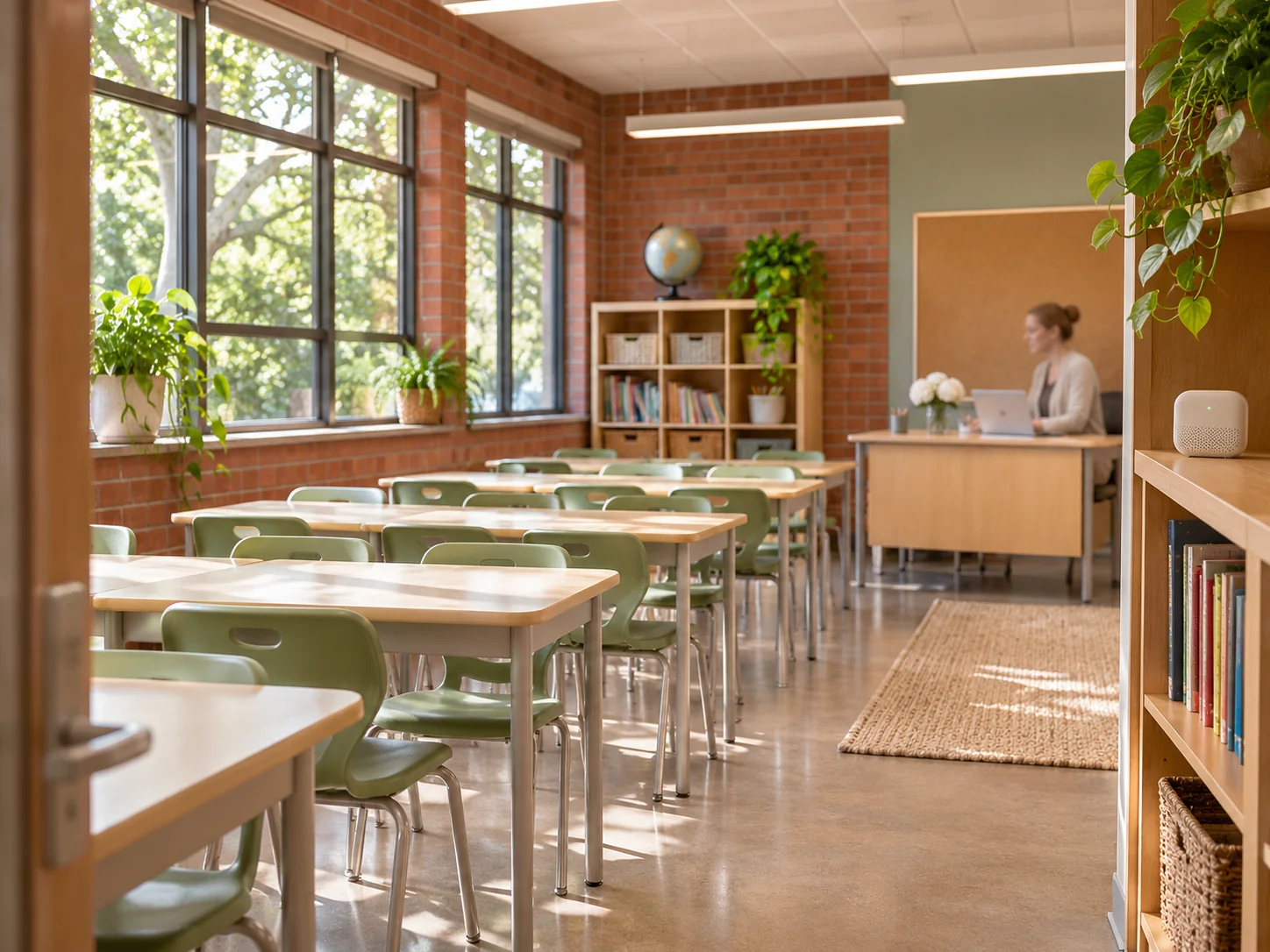
A view that follows the timetable
Indoor air in education
A classroom, library and shared hall follow different routines. A clear record helps the site team compare those spaces.
Compare room conditions during lessons and breaks.
Use periods that reflect how a library, hall or staff room is actually used.
Review readings alongside operating hours and maintenance notes.
From setup to review
Agree the initial classrooms, instrument placement and review responsibilities.
Use a representative timetable and explain any holidays, trips or unusual use.
Apply the same room names and documentation when adding another floor or building.
Illustrative project scenarios.
Review a normal teaching day, then compare the same period in two classrooms before choosing more locations.
Learn more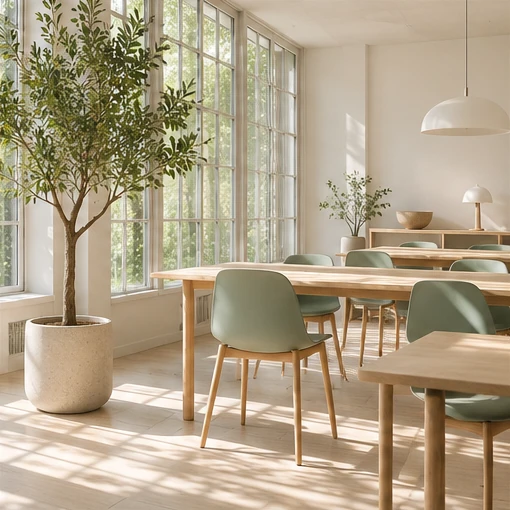
Compare quieter hours and occupied periods, allowing for events and changes to the timetable.
Learn more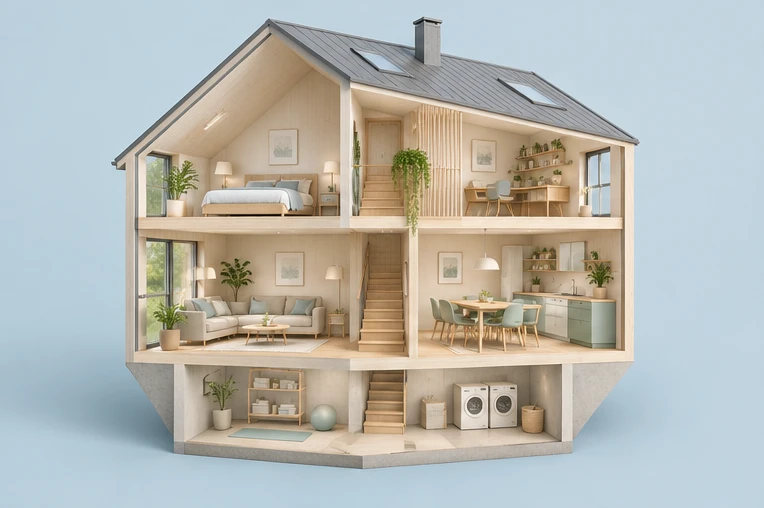
Give buildings, floors and rooms consistent names and agree how device records will be handed over.
Learn moreThe platform
Keep the room label, reading period and action in view. Give each team the same location names and the context needed for review.
Interactive example
Example room readings and period controls.
Share the number of rooms, timetable and what the team needs to review.
FAQ
Choose the same time period and record differences in use, timetable and instrument placement before comparing the values.
Yes. The dashboard and inquiry flow use illustrative records so the team can explore the website experience.
Share the number of rooms or buildings, the intended channels, who will review the readings and any timetable or installation constraints.